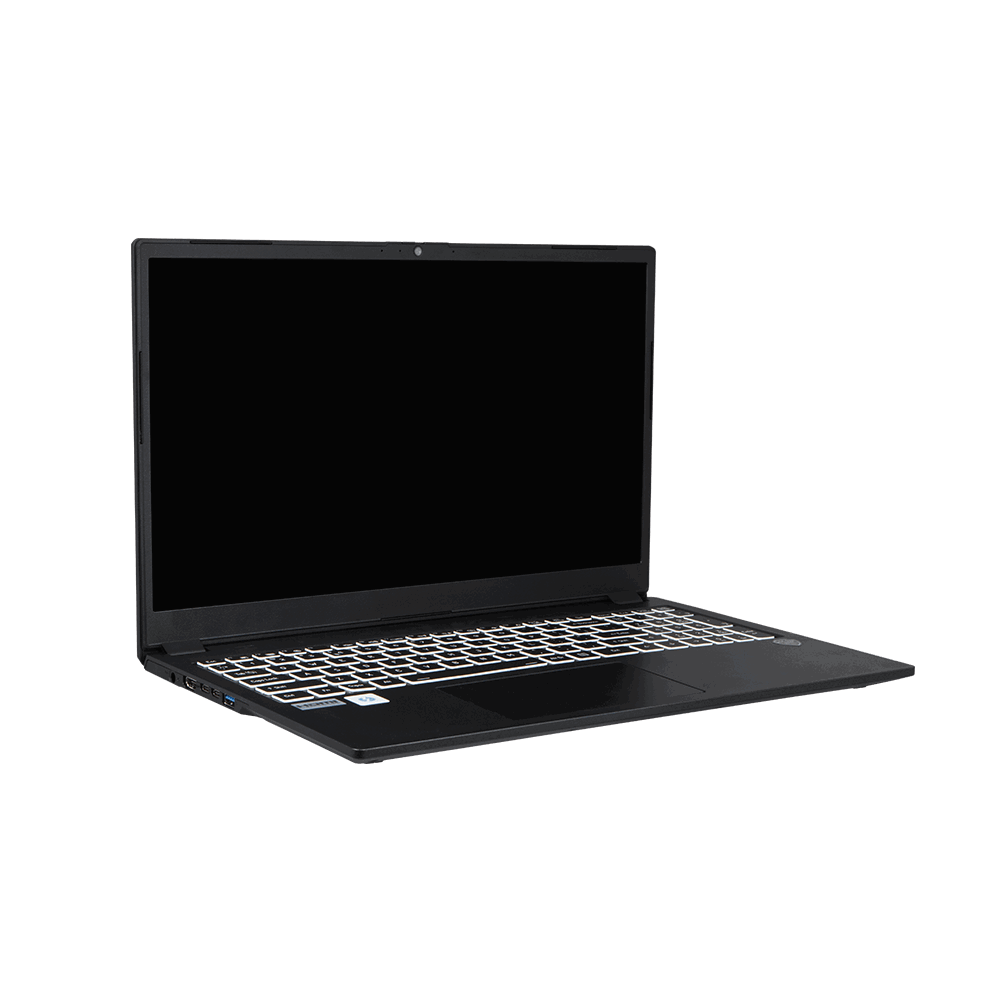
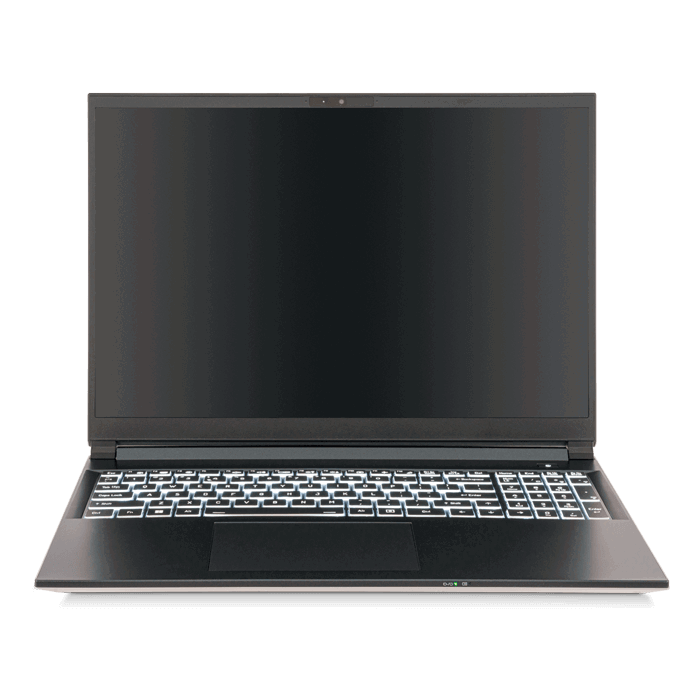
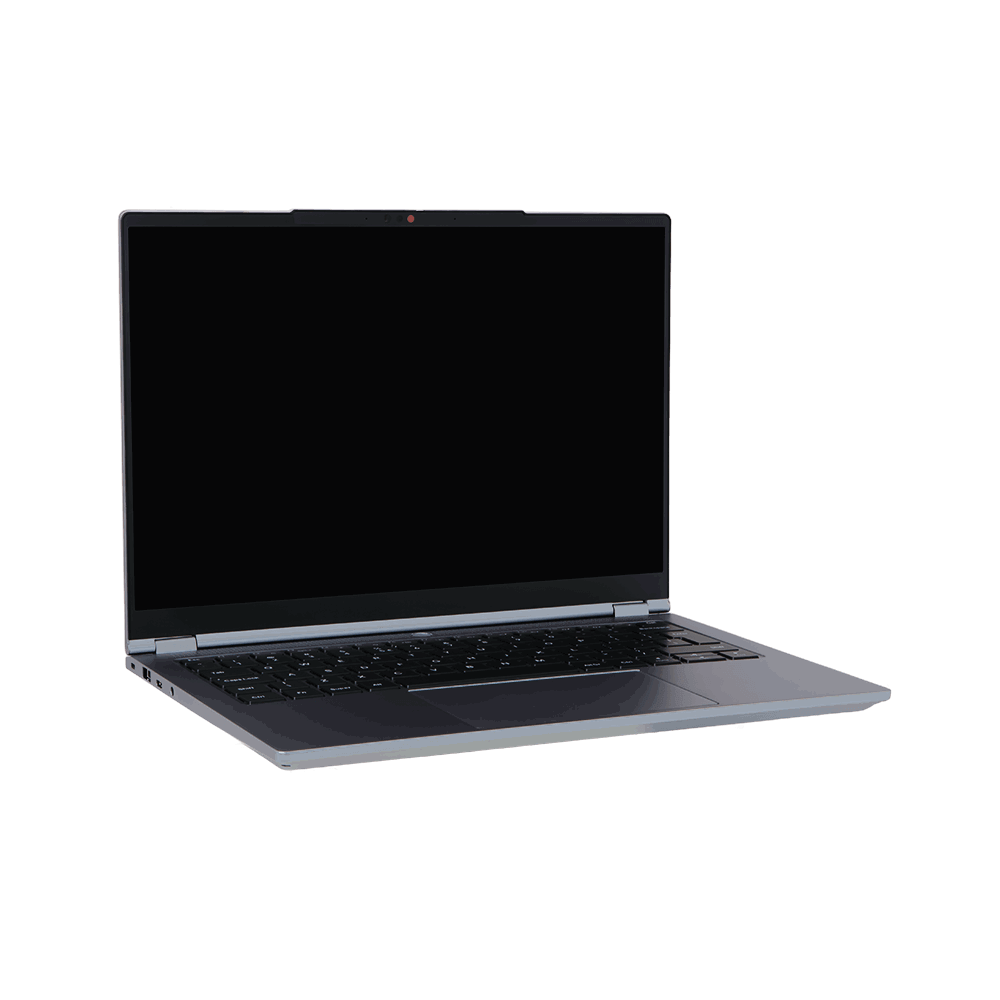
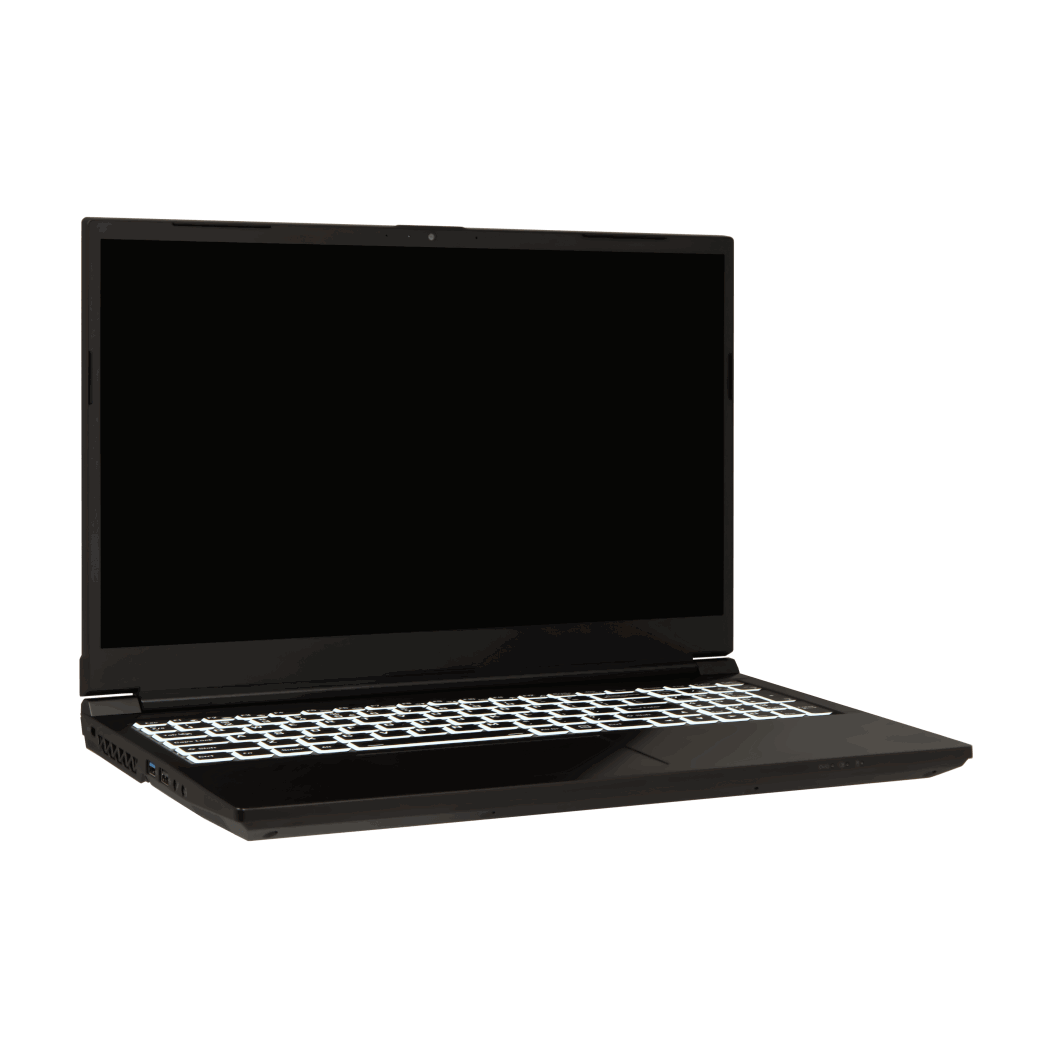
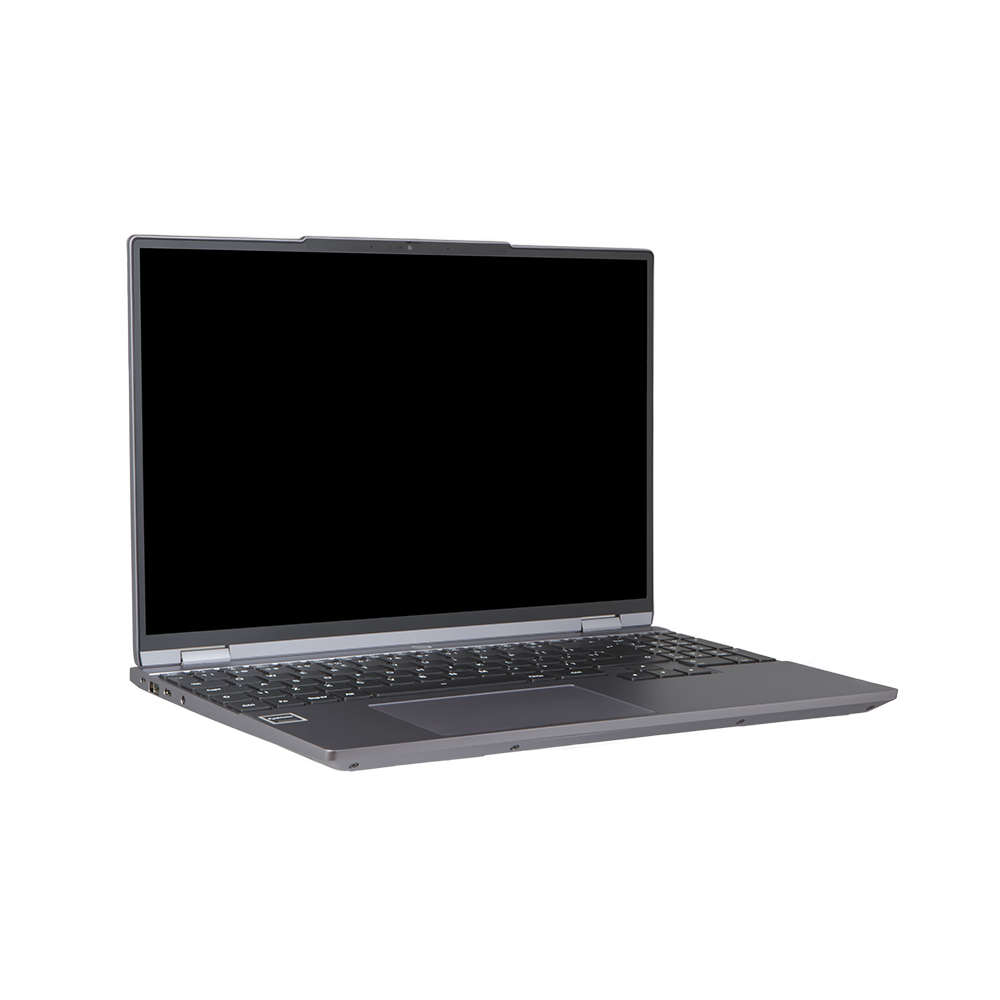
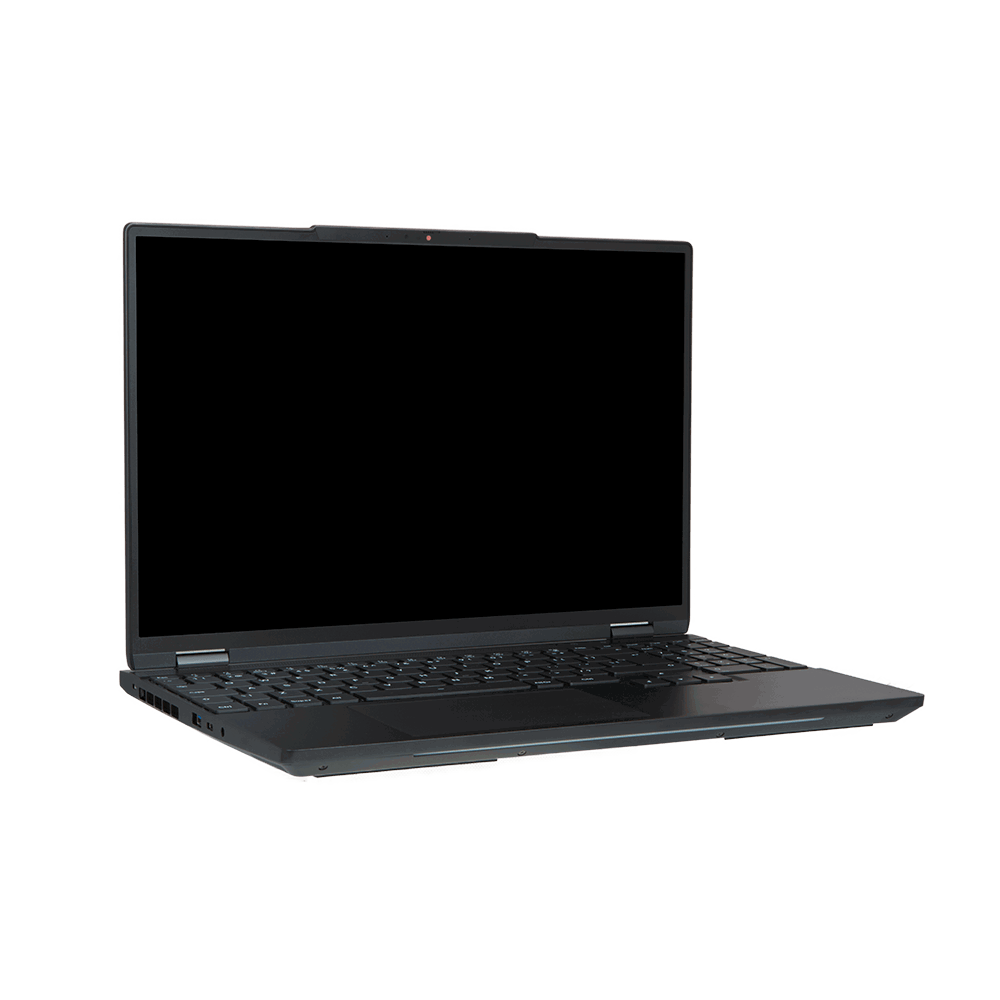
Manjaro is based on Arch Linux, which many Linux users consider one of the fastest and most powerful operating systems available — though also one of the more complex to install and maintain. A Manjaro Linux laptop keeps all the power of Arch under the hood while dramatically simplifying the user experience, resulting in an OS that is fast, responsive and ready to use straight away. Manjaro is built around the idea of full customisation, giving you complete control over both hardware and software, and many of its features reflect that philosophy.
A great example is Manjaro Hardware Detection (MHWD), the built-in driver tool. If your laptop has an NVIDIA graphics card, MHWD can automatically detect, select and install the correct proprietary drivers — no manual configuration required. Switching between kernel versions has also been made remarkably simple. This is especially useful for users with specific needs: musicians and audio producers, for instance, can install a real-time kernel to minimise audio latency, while gamers might prefer a more recent mainline kernel for the latest hardware support.
You can even keep multiple kernels installed simultaneously and switch between them from the boot menu — handy if a newer kernel ever causes issues with your hardware. We offer Manjaro with three desktop environments: GNOME, KDE Plasma and Xfce. Further customisation beyond these is possible, although it falls outside Manjaro’s official support. For software management, Manjaro uses Pamac — a user-friendly graphical package manager that, once enabled in the settings, also supports installing applications from the AUR (Arch User Repository), Snap and Flatpak. That gives you access to one of the largest software catalogues in the entire Linux ecosystem.